

Carbonio App Authentication#
You can generate authentication credentials in Carbonio webmail to sign in to Carbonio mobile applications, such as Mail, Chats.
Generate Authentication Credentials#
Sign in to Carbonio webmail.
Go to Settings > AUTH > Mobile Apps.
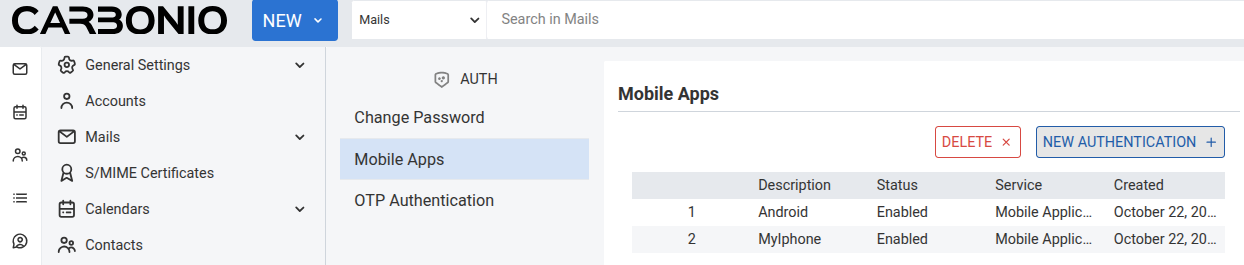
Click NEW AUTHENTICATION +.
Enter a description for the authentication credential to identify it.
Click CREATE PASSWORD. A QR code is generated.
Open the Carbonio mobile application on your device and scan the QR code to authenticate the application. Alternatively, click COPY QR CODE to copy the text version of the QR code. Paste this text into the mobile application manually.
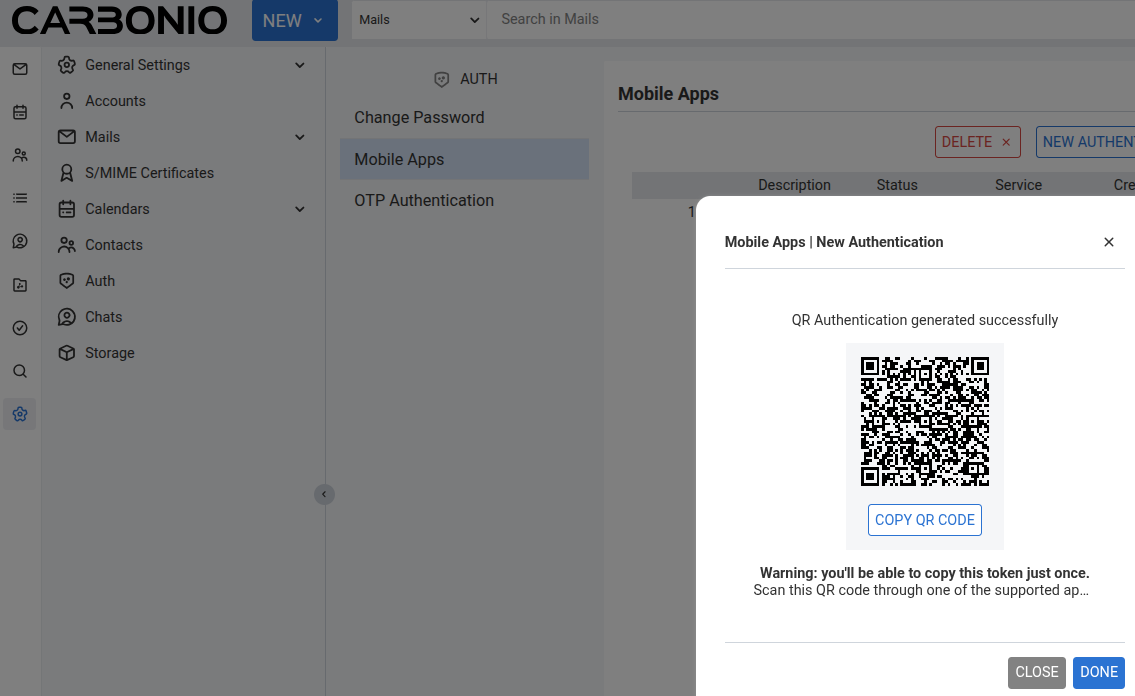
Click DONE to complete the process.
Note
Signing in to one Carbonio mobile application also grants access to the other application. If access to the other application is not granted automatically, generate a separate authentication credential specifically for that application.