

Delegated Domain Admins#
This page shows all the accounts with some administration rights on the domain.
The Delegated Domain Admins page is divided into two sections.
The Domain Initialization section allows you to enable delegated administration for the domain. If delegated administration has not yet been configured, click INIT DOMAIN button to initialize the domain and enable delegations.
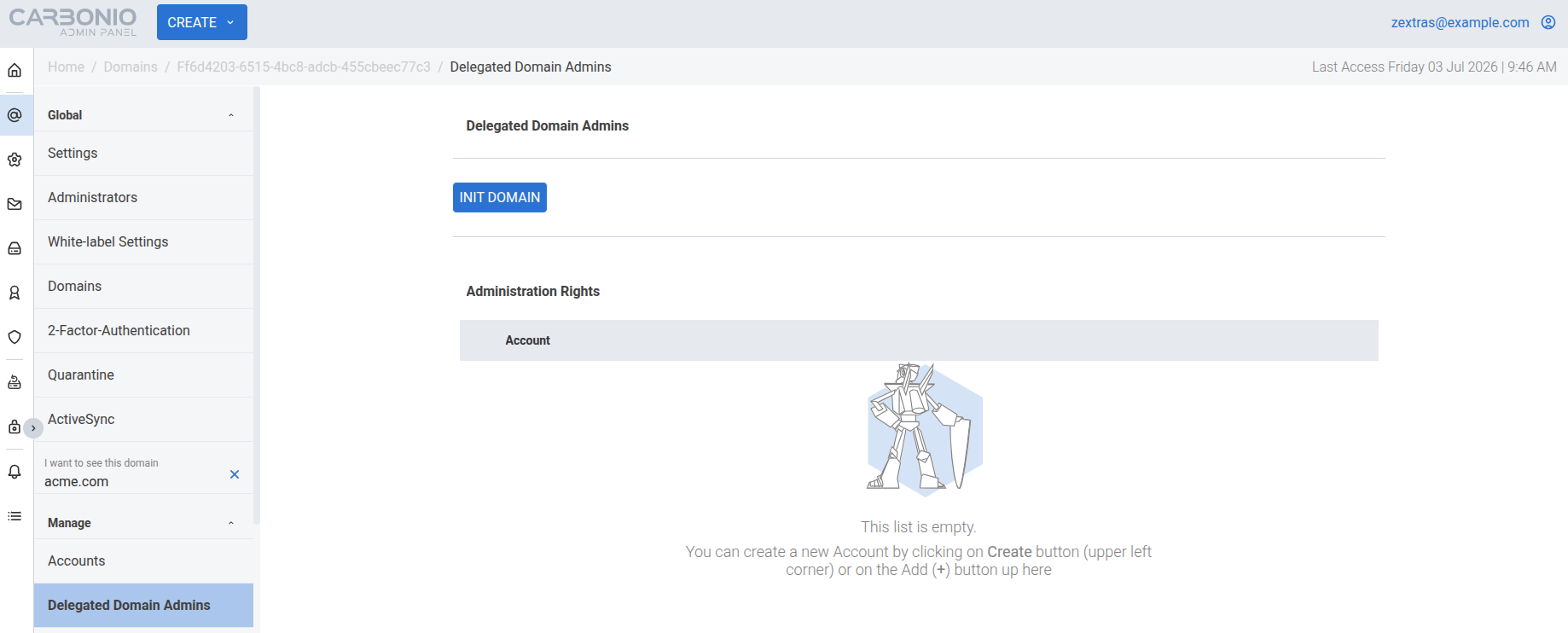
If the domain has already been initialized, the button changes to RE-INIT DOMAIN. Click this button whenever the delegated administration configuration needs to be rebuilt or refreshed. For example, use it after upgrading to a release that introduces new administration rights, after modifying administrator components or creating new delegated administrators, if one or more delegated administration groups have been accidentally deleted, or when delegated administration permissions are not applied or administration rights cannot be viewed or assigned correctly.
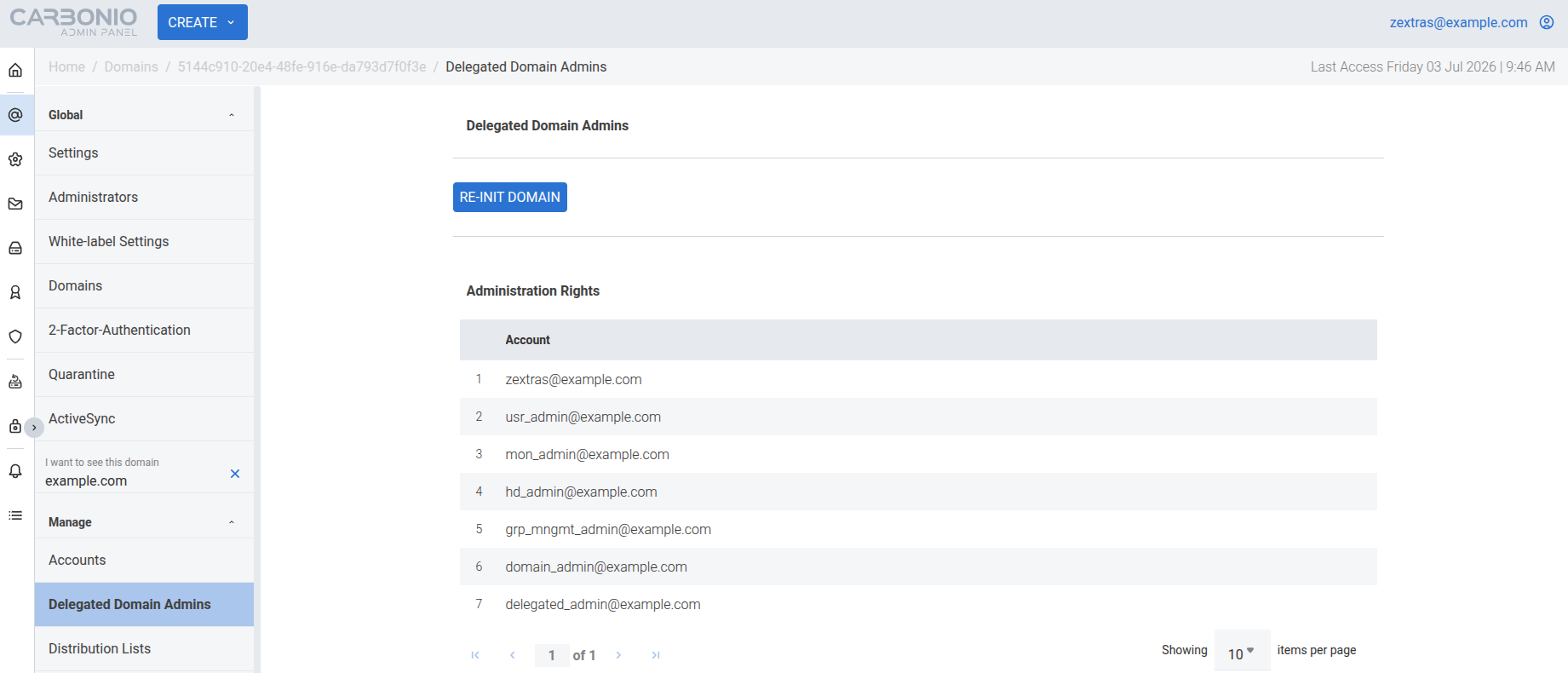
The Administration Rights section lists all accounts with delegated administration rights for the domain, along with the administration rights profile assigned to each account. Select an account to open its configuration page, where you can update the account settings, including its delegated administration configuration and assigned administration rights.